Your beautiful design
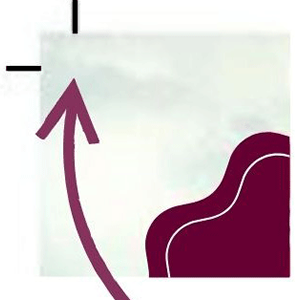
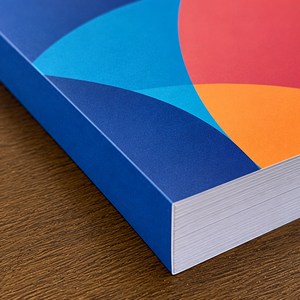
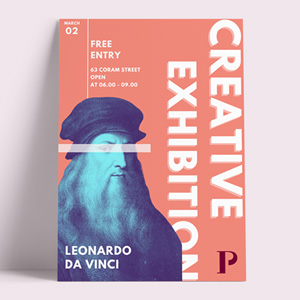
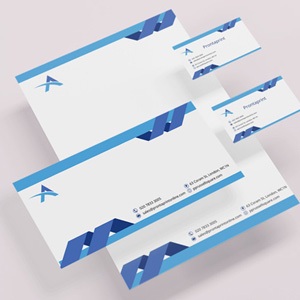
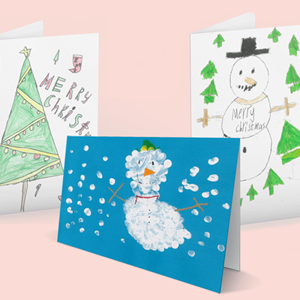
You’ve created your beautiful design (see Figure 1), and now the printing company is talking about bleed, crop marks, and safe areas. What do these terms mean?If you want your design to print right to the edge without white borders, printers need a small amount of extra image area around the artwork. This is called bleed. Because printed sheets cannot be trimmed with absolute precision, an extra 3mm is usually added around the edges to allow for slight movement during printing and cutting.

Bleed and Crop Marks
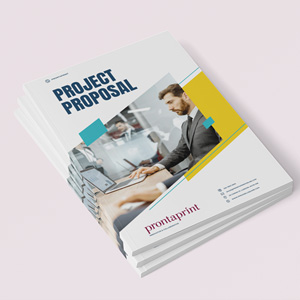
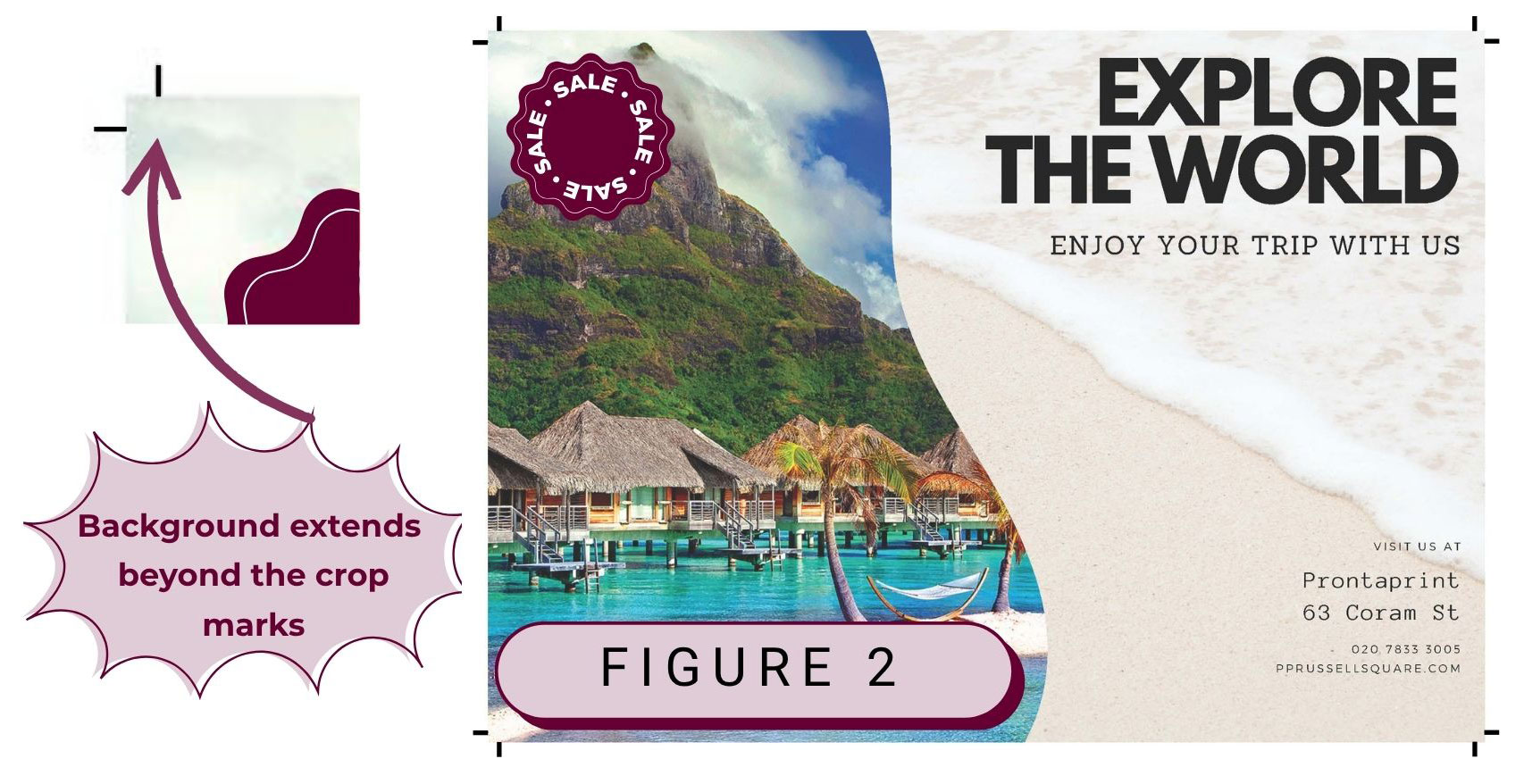
The best way to prepare artwork is to supply it with both bleed and crop marks. Crop marks show the printer where the final design should be trimmed, while the bleed ensures there is no unwanted white edge after cutting. The key point is that background colours or images must extend beyond the crop marks by around 3mm, as shown in Figure 2. Most professional design programs, such as InDesign, CorelDRAW, and Photoshop, include options to export PDFs with bleed and crop marks. Canva also supports this feature — see our guide here. Unfortunately, Microsoft Office programs do not offer this option.
Safe Area
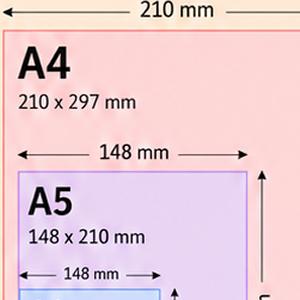
If you cannot provide bleed and crop marks, we can often create the bleed for you, provided your design includes a safe area. A safe area means that all important text and images are positioned at least 5mm from the edge of the page, as shown in Figure 3. We can then slightly enlarge the artwork to create the required bleed and trim away any white borders safely. However, if there is no bleed and important content is placed too close to the edge, the safest option is to leave white margins around the design to avoid cutting off text or images during trimming.

Do I always need to add bleed?
If your design already has white margins and does not have anything near the edge, then no need worry, just send us your files as they are and we’ll take it from there.

Still confused or ready to go?
Hopefully this guide tells you everything you need to know about creating your artwork. If you are unsure we are here to help or to get your order underway. Or have a look at some of our other guides here.